Book flights, hotels, and car rentals easily with our Online Travel Booking System in PHP. Simple, secure, and user-friendly.
100% Malware Free
Quality Checked
12 Month Support
Product Preview
3 images
View Gallery
Tested & VerifiedWorking on latest WP
Free UpdatesLifetime updates
Need Help?Contact support
Gallery
Detailed Description
The Online Travel Booking System in PHP provides a comprehensive and easy-to-use platform for managing all your travel needs in one place. Accessible from any web browser, users can quickly create an account or log in to start organizing their trips. The intuitive interface presents clear options for booking flights, hotels, and car rentals, offering a seamless experience from start to finish.
For flights, users simply input key details such as departure and arrival cities, travel dates, and the number of passengers. The system swiftly displays available flight options, with advanced filtering based on price, airline, flight duration, and more. This ensures you can find the best flight that matches your budget and preferences without hassle.
Hotel bookings are just as straightforward. By entering the destination, check-in and check-out dates, and room preferences, users can explore a wide range of accommodation options. The system provides detailed hotel information, including room types, amenities, and pricing, allowing users to compare and select the ideal stay for their trip.
Car rental services are also integrated, making it easy to book a vehicle alongside your other travel arrangements. With secure payment options and real-time updates on availability, the system simplifies travel planning while ensuring peace of mind.
Whether you’re booking a business trip, family vacation, or weekend getaway, the Online Travel Booking System in PHP delivers a reliable and efficient way to handle all your travel needs in one convenient place.
Technologies:
HTML: Page layout and design
CSS: Design
JS: Fontend
PHP: Backend
Bootstrap
Java Script
Supported Operating Systems:
You can run this project in the following operating systems:
Windows
MAC
Linux
Features:
User Registration & Login
Profile Management
Password Recovery
Search & Book Trips
Flight Booking
Hotel Booking
Car Rental Booking
Package Tours
Payment Integration
Booking History
Trip Cancellation & Refunds
Trip Rescheduling
Multi-Currency Support
Discount Codes & Promotions
Reviews & Ratings
Travel Itinerary Management
Travel Insurance Integration
Booking Confirmation
Admin Dashboard
Booking Reports
Revenue Reports
Payment History
Social Media Sharing
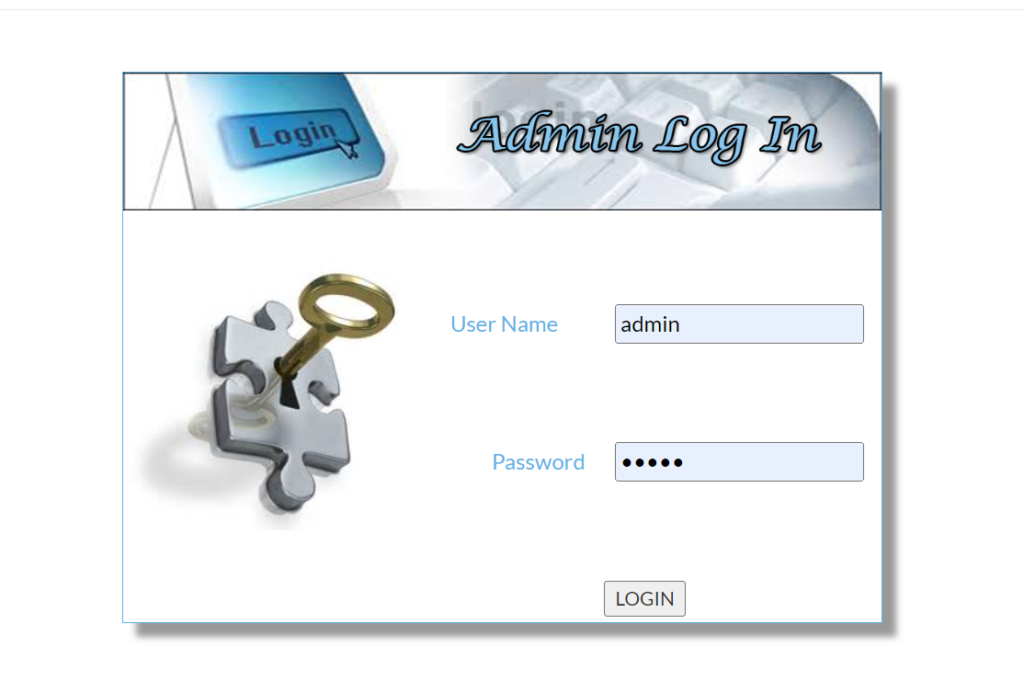
Admin login:
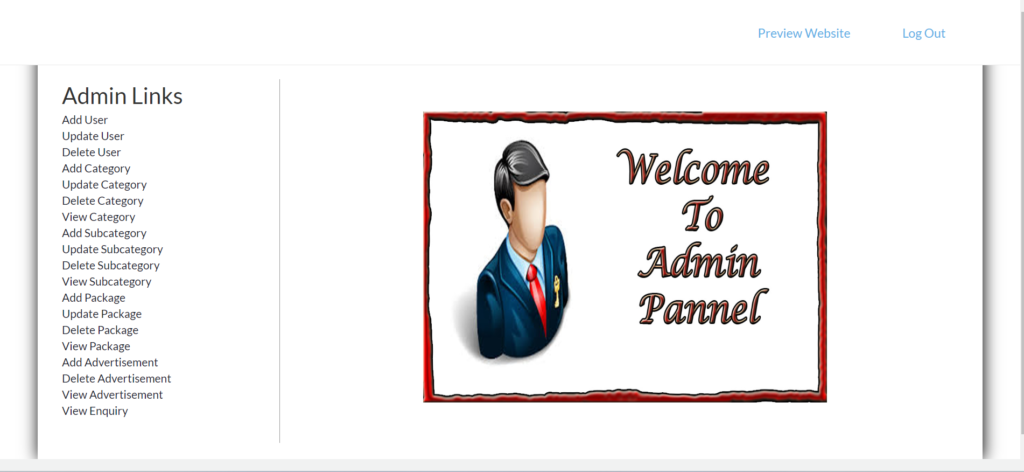
Admin penal:
Key Components:
Dashboard Overview: Summary of key metrics (e.g., bookings, revenue, user activity).
User Management: View, edit, delete, add, user accounts, and manage roles.
Booking Management: View, approve, cancel bookings, and handle refunds.
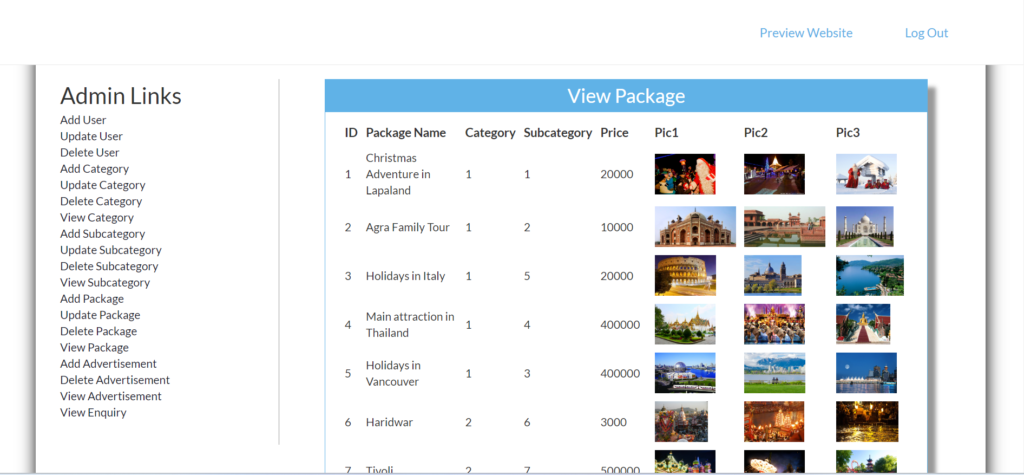
Travel Packages: Add, edit, delete travel packages, and manage availability.
Payment Management: Monitor transactions, process refunds, and manage payment gateways.
Reports & Analytics: Generate reports on sales, user activity, and other metrics.
Notifications: Manage email and SMS notifications to users.
Settings: General settings, payment gateway settings, and other configurations.
View package:
Installation:
After Starting Apache and MySQL in XAMPP, follow the following steps:
If you need assistance with setup, customization, or any other support, feel free to contact me. I’m here to help and provide the best solutions for your needs.
Key Features
Fully Responsive
Works perfectly on all devices and screen sizes
Cross-Browser
Compatible with all modern browsers
Clean Code
Well-documented and easy to customize
Fast Loading
Optimized for speed and performance
Customizable
Easy to modify colors, fonts, and layouts
Great Support
Dedicated support team ready to help
Installation Guide
1
Download the Product
Click the download button to get the ZIP file. Extract it to a folder on your computer.
2
Upload to WordPress
Go to your WordPress admin panel → Appearance → Themes → Add New → Upload Theme
3
Activate & Configure
Click activate and configure the settings according to your needs in the Customizer.
4
Start Using
Your product is now ready! Start creating amazing content with your new tool.